FDM / FFF 3D Printers
General info links on FDM/FFF 3D printing, and specific information on machines in basement.
Fused Deposition Modeling (FDM) is the most common term for this printing technology, but the term was/is copyright. Fused Filament Fabrication (FFF) was coined by the open-source RepRap (Wikipedia) community in 2005 to avoid legal issues.
If you're new to FFF printing, this is a decent general overview: https://all3dp.com/2/3d-printing-for-beginners-all-you-need-to-know-to-get-started/ (Full article, 3,000 words, broken into small section.)
- Start here for using Ridgewood Commons 3D Printers
- Bambu P1S
- Ultimaker S5 general info
- Ultimaker S5 - Zorro
- Ultimaker S5 - Luna
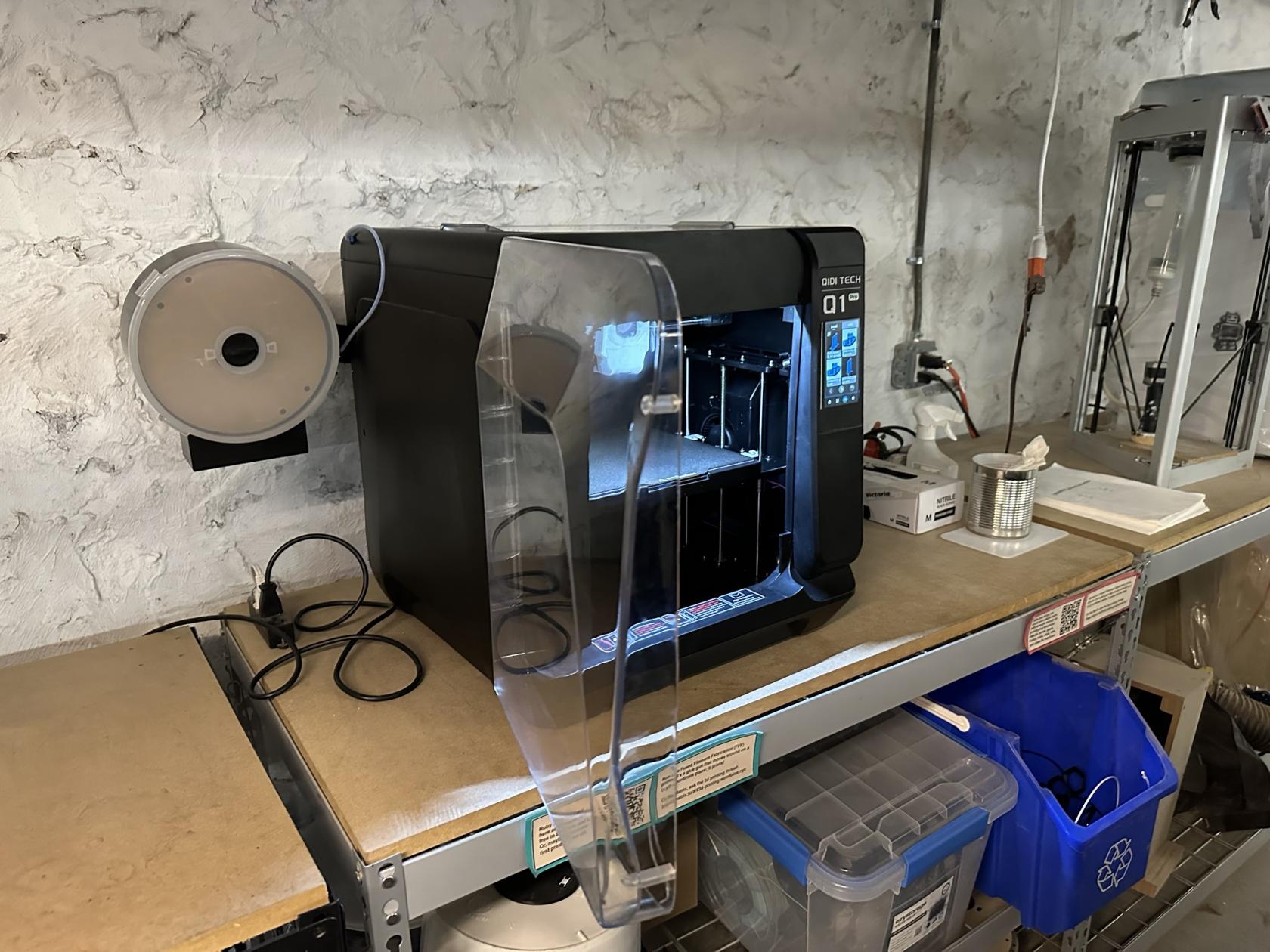
- Qidi - Q1 Pro
Start here for using Ridgewood Commons 3D Printers
3D printing is a pretty straightforward idea, but in practice there are a lot of ways for it to mess up.
Here are some basics for best practices of using 3D printers at RC.
Current Printers
Current printers are all listed on the front page of this chapter.
Bambu P1S
Basics
- Our most reliable FDM/FFF printer.
- Use a microSD card to transfer files to printer.
- Print in PLA only.
- (If you have experience troubleshooting and tuning for bed adhesion and nozzle clogs, use matte, silk, and petg, but you will be responsible for returning the printer to usable condition in case of any issues)
Ultimaker S5 general info
The Basics (from manual)
RC has two Ultimaker S5 FDM printers.
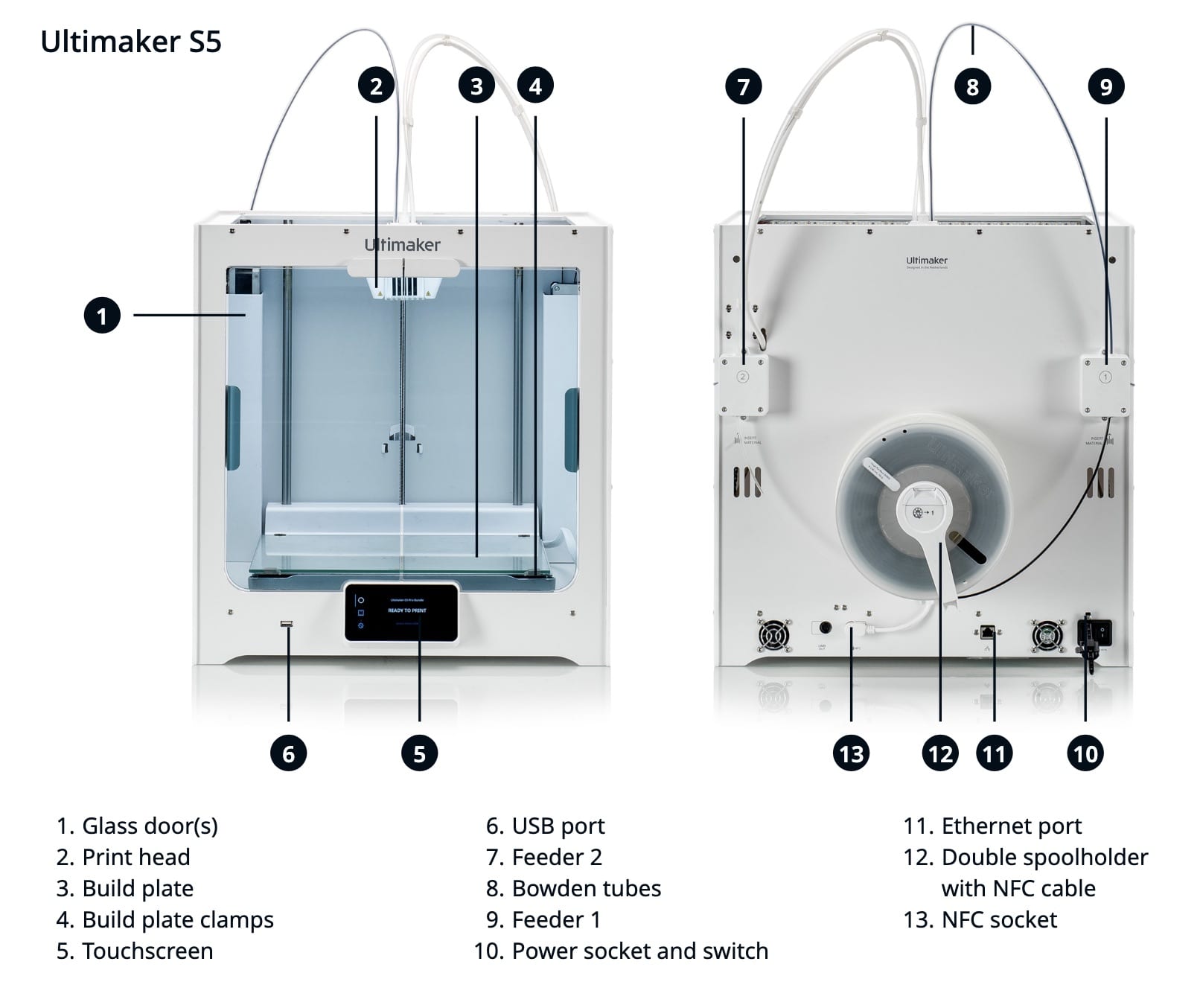
S5s are dual extruder units, with a single print head. Depending on the "cores" (Ultimaker term, generic term: "hotend"), they can print in two colors of the same build material, hold extra build material on a 2nd spool to change supplies if one spool runs out, or print supports from alternate materials that separate more easily, or dissolve in water.
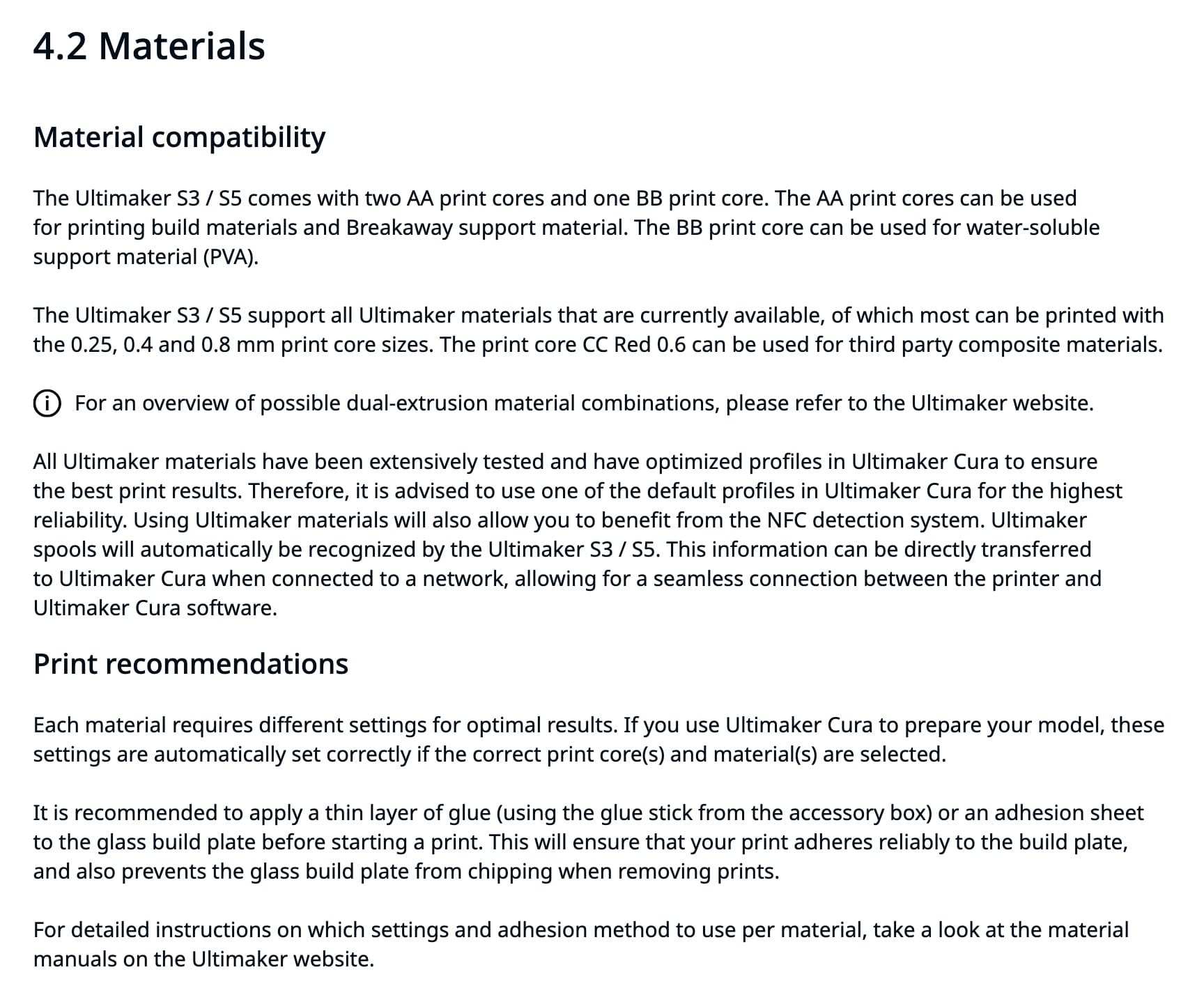
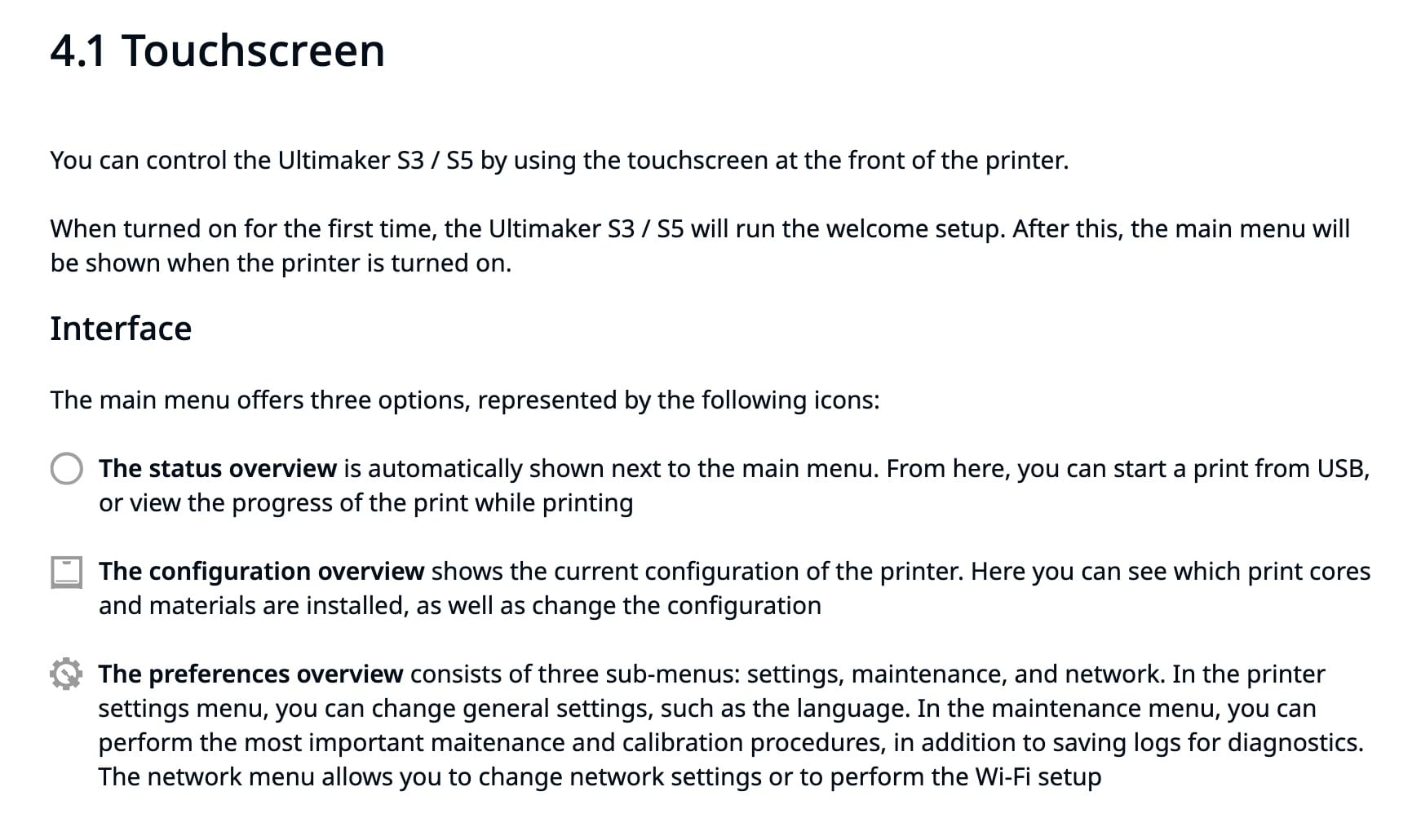
More Detail
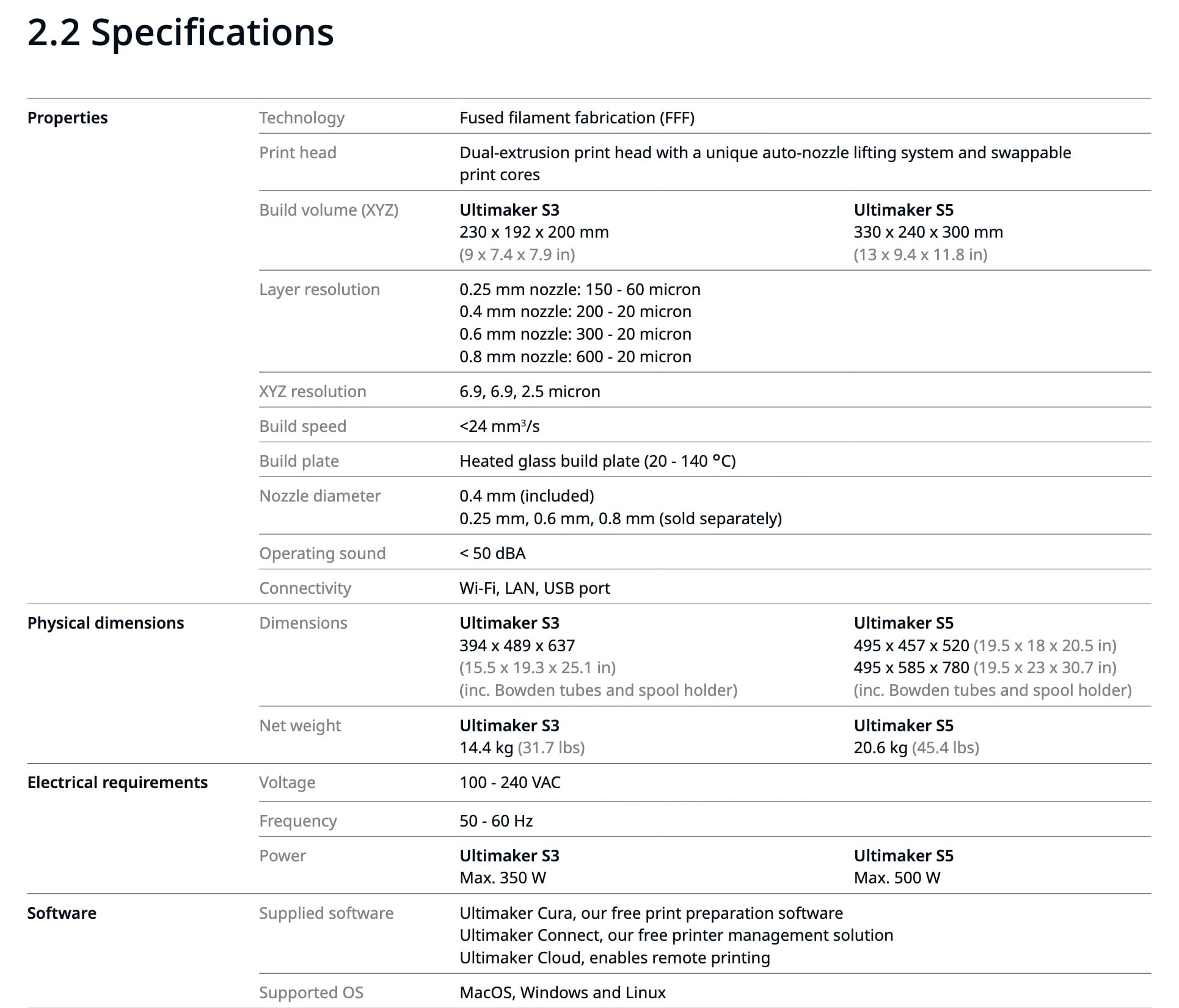
Manuals
Link to manual on Ultimaker site: available in EN - English, FI - Finnish, KR - Korean, RU - Russian, CS - Czech, FR - French, NL - Dutch, SE - Swedish, DA - Danish, HU - Hungarian, NO - Norwegian, TR - Turkish, DE - German, IT - Italian, PL - Polish, ZH-S - Chinese (simplified), ES - Spanish, JA - Japanese, PT - Portuguese, ZH-T - Chinese (traditional).
English language manual direct link (PDF)
Print Adhesion
After some peeling/warping prints, I tried using a glue stick. It left marks on the print, as matte streaks (vs the glossy finish against clean glass).
From reddit:
PLA on glass shouldn't need adhesion help. It'll turn out to be one of four things:
-
your glass isn't actually as clean as you thought
-
your bed isn't as level as you thought
-
your first layer height is a touch too high
-
your temperatures need revisiting
Also, glass does best if allowed to heat soak a bit before you start printing - it's a reasonable insulator, so takes a while for the top surface to get up to temperature when heated from the bottom. Hot PLA on cold glass doesn't stick all that well.
This person says if you can feel the glue, it's too much, and needs to be buffed:
The Ultimaker S5 glass bed can apparently be changed to a more typical steel flex plate: https://shop3duniverse.com/products/magnetic-flexible-pei-build-plate-for-ultimaker-s5
Ultimaker S5 - Zorro
RC has two Ultimaker S5 machines, this page is for Zorro specific info.
Ultimaker S5 - Luna
Needs flashing that requires partial (potentially dangerous) disassembly, or possibly new parts.
Possible documented fix: https://gr5.org/unbricking/
Qidi - Q1 Pro
Overview
Use their slicer https://github.com/QIDITECH/QIDIStudio/releases
Hostname is `mkspi` so you can access fluidd via http://mkspi , or likely http://192.168.1.211