
Calendar interfaces
Different calendar visualizations, optimized for different use-cases: e.g. booking, public listings, etc.
Week and Day Analysis
Timeline + Resource view for detailed booking
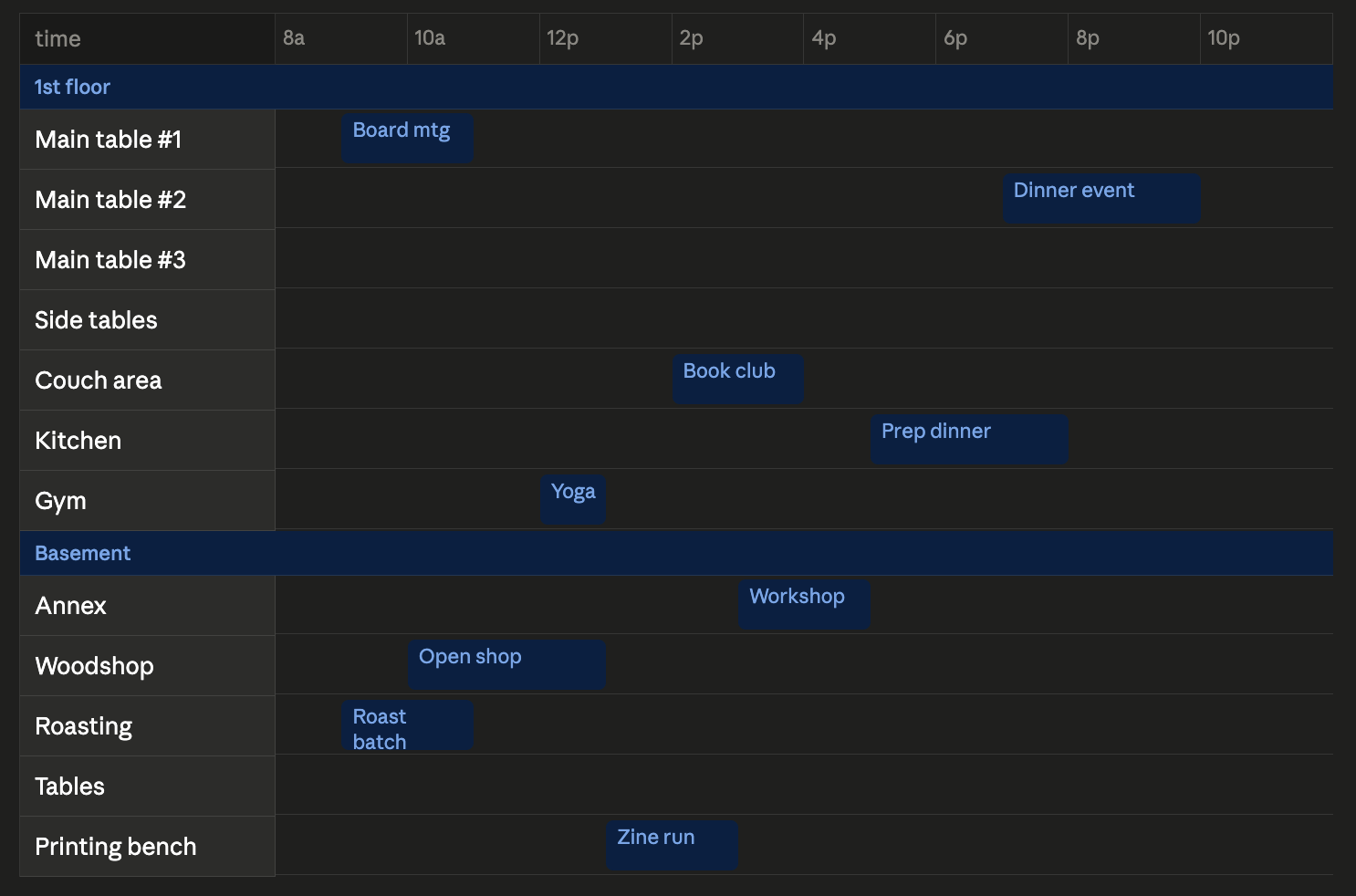
This view is good for detailed resource/space management, and could potentially work well alongside booking logic that has internal "interlocks" that block double-booking of any location, assuming bookings resource needs are accurate.
Has some downsides for larger view, and may not work well on mobile because of need to side-scroll.
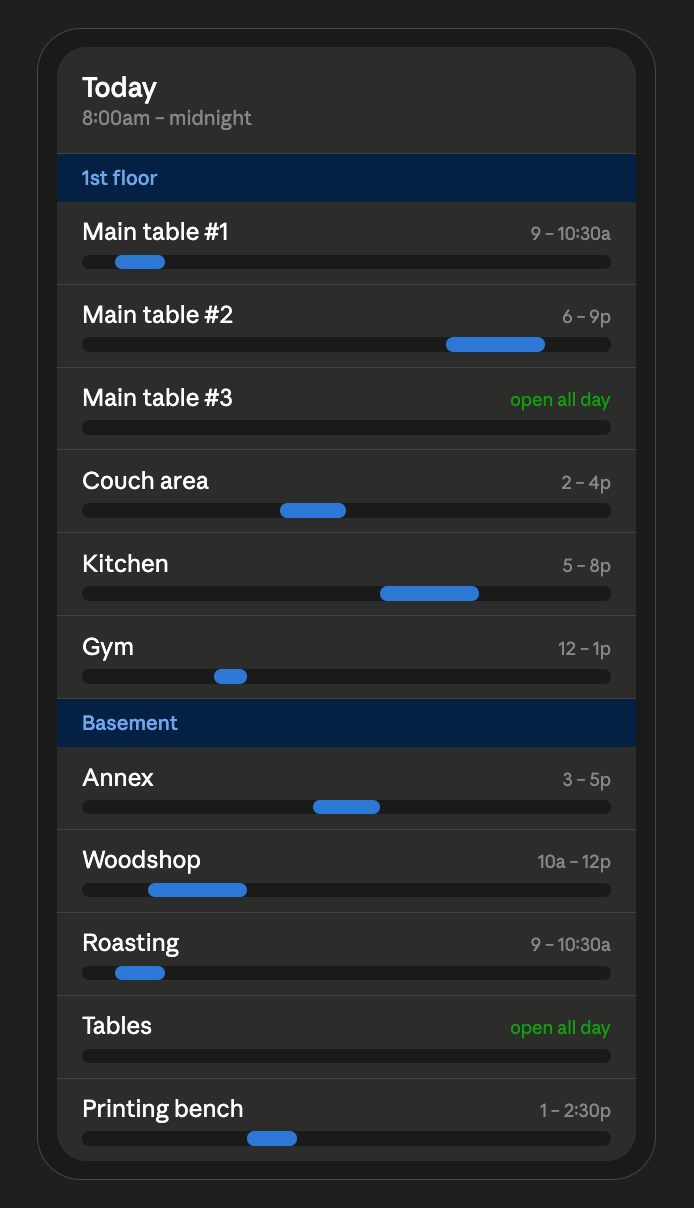
If events are abstracted to blobs, gives a really good snapshot of space use.
Events have no info aside from space use, tooltips could help, but seem finicky for mobile use.
Event text could go in rows between graphic rows, and just be stacked based on the sequence of events.
High level admin calendar review and scheduling
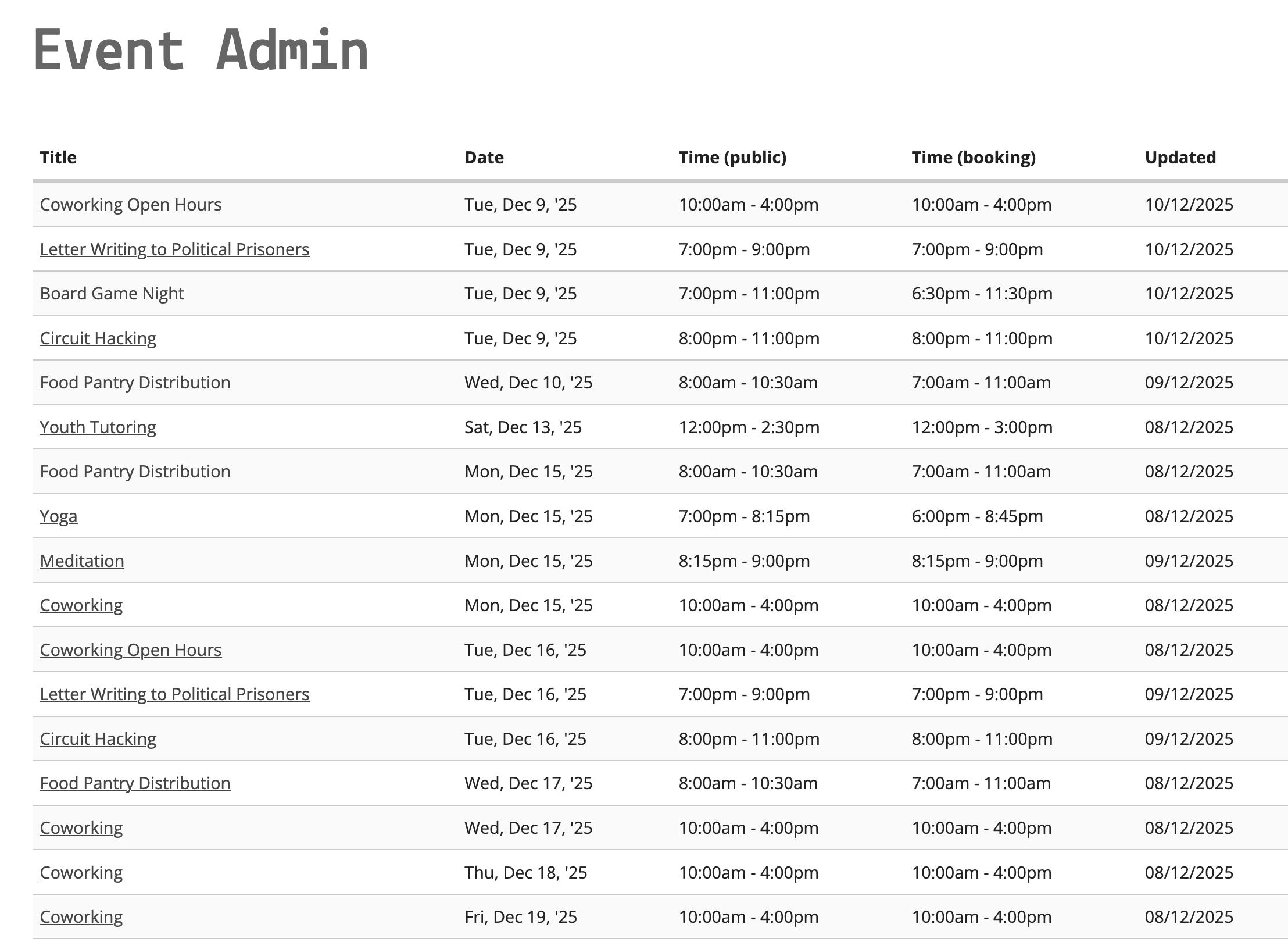
Tabled view
At one point, I thought maybe a big table would be useful, but it maybe feels overwhelming and doesn't seem to offer a clear "strategic advantage" - might be useful for reviewing specific aspects, like rental payment status, event coordinator, etc.
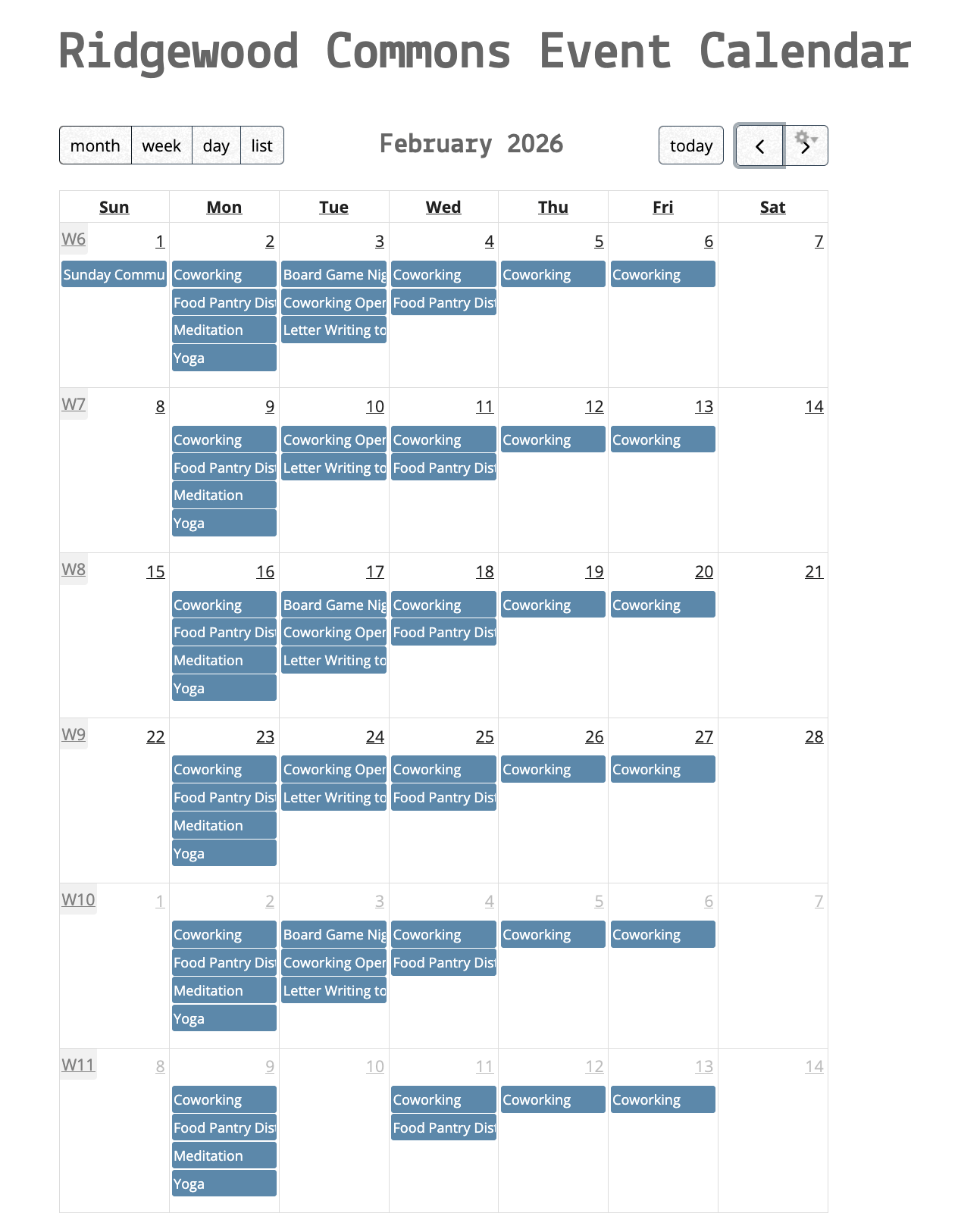
Standard Calendar
It's a standard calendar, with all the typical conveniences and all the typical downsides.
Thoughts on booking process
Bookings will likely either come in with specific informed guesses as to day/time based on publicly shared availability calendar, or will be extremely flexible. So a useful booking process would be to be able to see availability in a larger overview, and then easily "zoom" into a more detailed view to confirm fit.
Resource paradigm
Using a resource paradigm might mean not treating the event as an abstract event, but essentially to think of it based on physical requirements. e.g. a book club of 5-10 people could mean main tables, couch area, basement.
Using a needs paradigm might mean that needs such as ability to hold a conversation, privacy, general quiet, projector use could be used to slot events.
Resource + privacy
Resources and privacy overlap - A small group that needs strict privacy in effect requires ALL resources.
Public Calendar Display
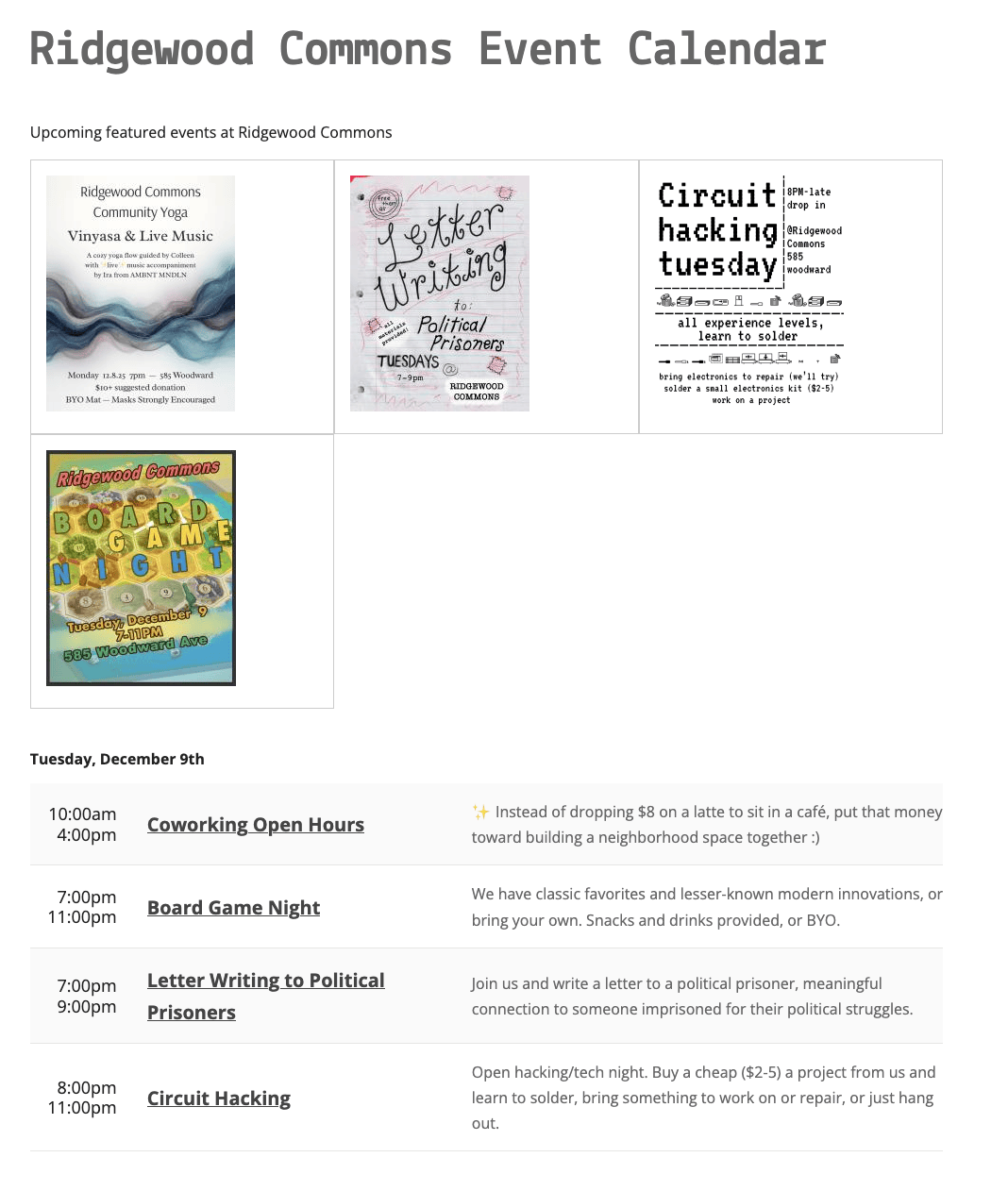
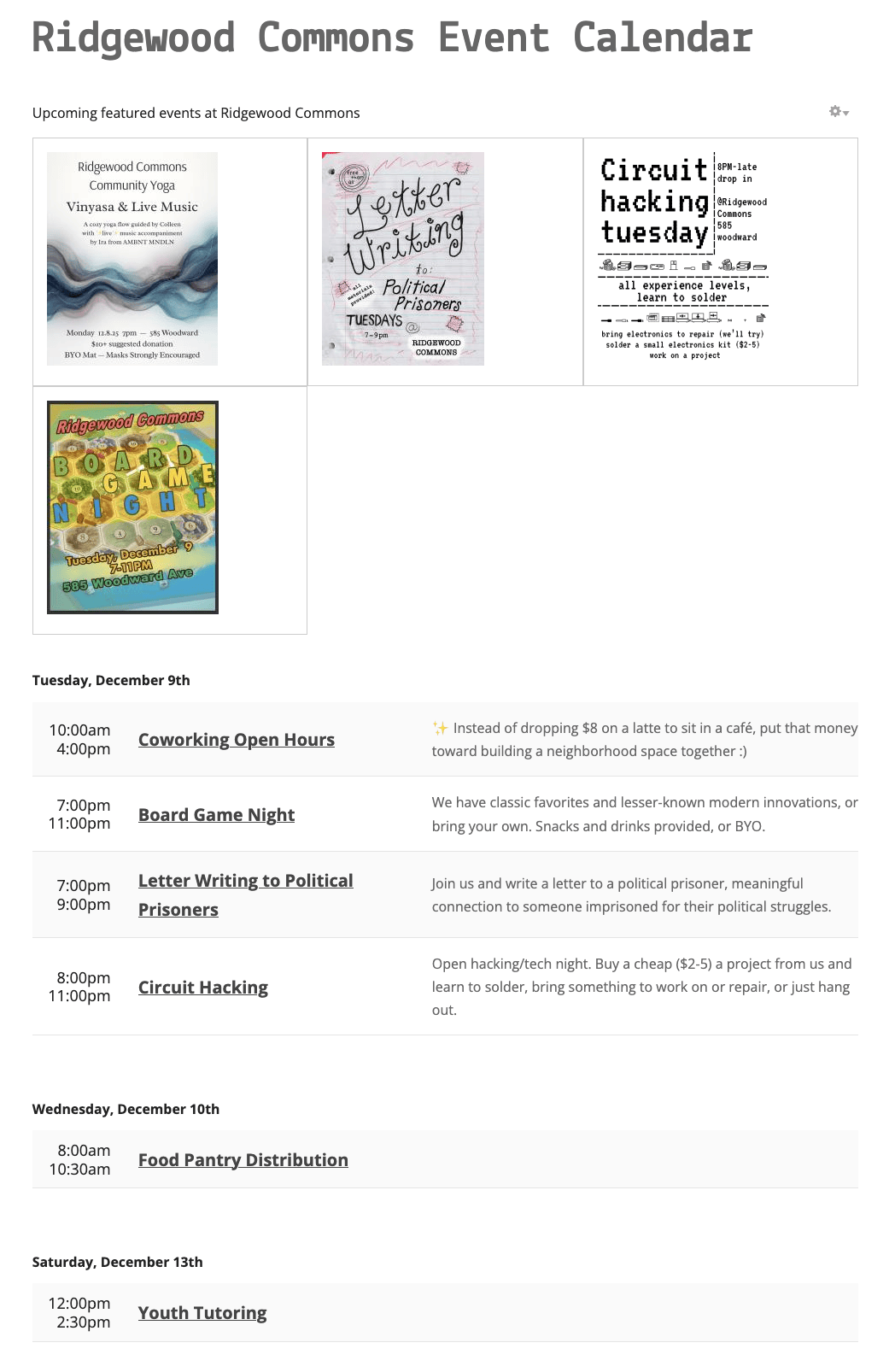
Tabled calendar with featured event graphics
No comments to display
No comments to display